Kazakhstan · KZT
How to open Walt and buy USDT with tenge
-
Open your wallet in Telegram
Open @walt. To register, enter your full name, date of birth and phone number.
Open @walt -
Choose a bank card
Tap Deposit, then Bank card. Select USDT, choose KZT and enter an amount. Complete identity verification with Walt and the card payment provider.
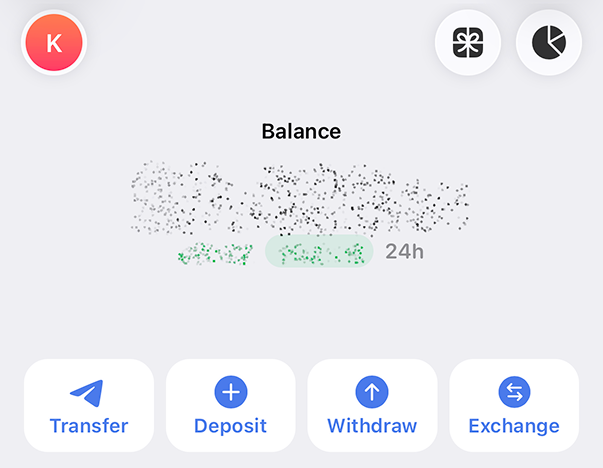
Walt home screen 
Card option in the Android app -
Review and confirm
Check the total in tenge, the fee and the amount of USDT you’ll receive. Confirm the payment. You can check the deposit in your Walt transaction history.
Once USDT appears in Walt, return to your TONG top-up request if you started one. Use the transfer address from the request in your own account.
Payment options depend on your account and the country where your card was issued.